How to Use the Packative Editor Pt. 2: Designing with Geometric Patterns
Did you know that you can create a sophisticated design using only basic shapes like circles, triangles, and squares? Packative’s brand box was also created with a geometric design! It may look like simple lines and shapes, but isn’t it more attractive and eye-catching than you’d expect? A package like this feels like a gift, so you may not even need wrapping paper...
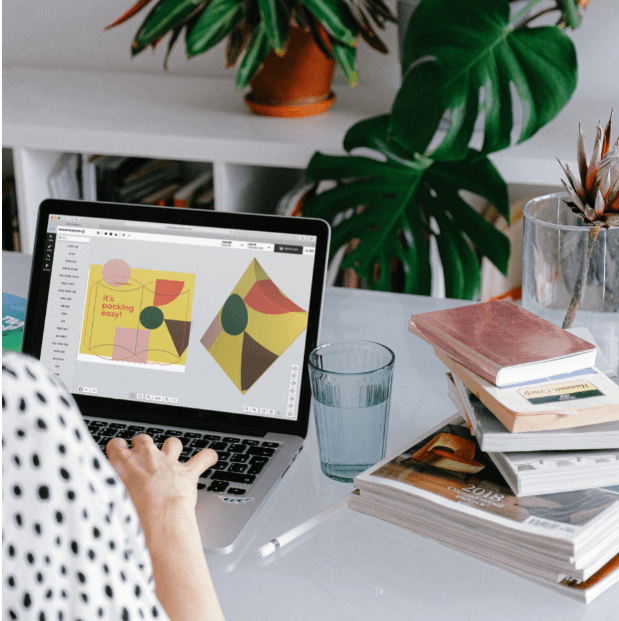
Did you know that you can create a sophisticated design using only basic shapes like circles, triangles, and squares? Packative’s brand box was also created with a geometric design!
 Packative box design
It may look like simple lines and shapes, but isn’t it more attractive and eye-catching than you’d expect? A package like this feels like a gift, so you may not even need wrapping paper!
So why don’t we use the Packative Editor together to create a design with shapes?
Go to the Packative website and try following the package design below yourself!
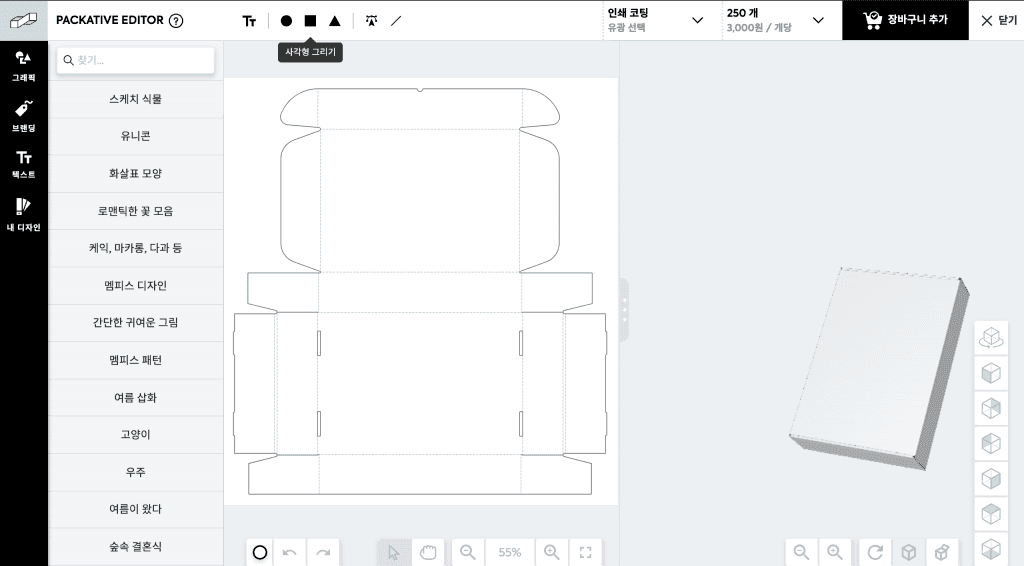
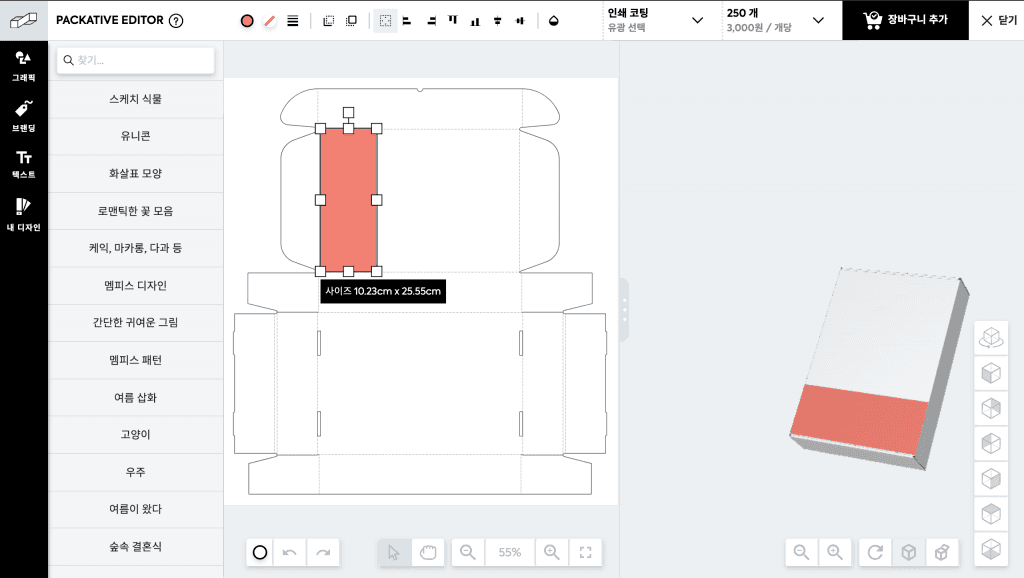
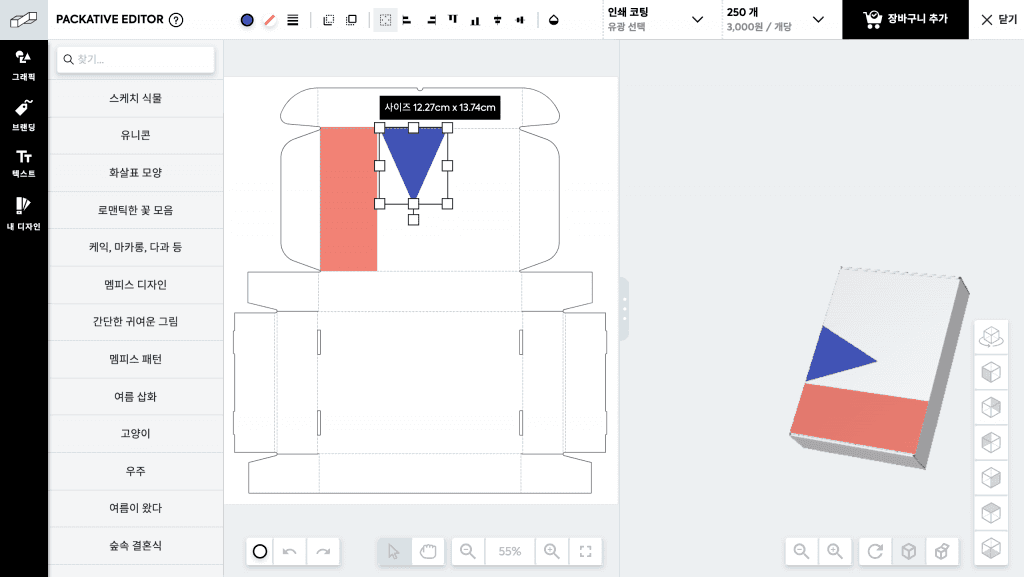
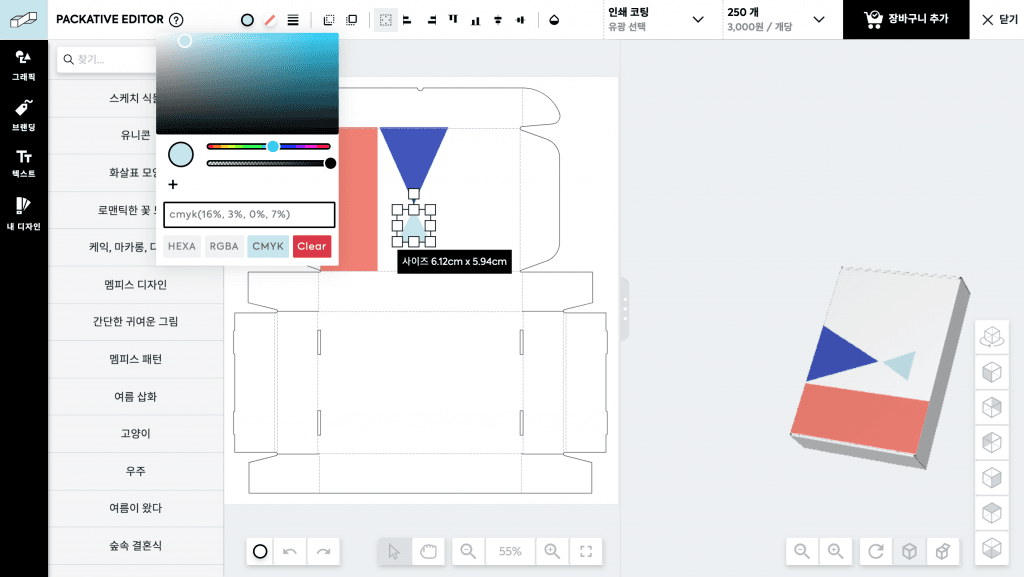
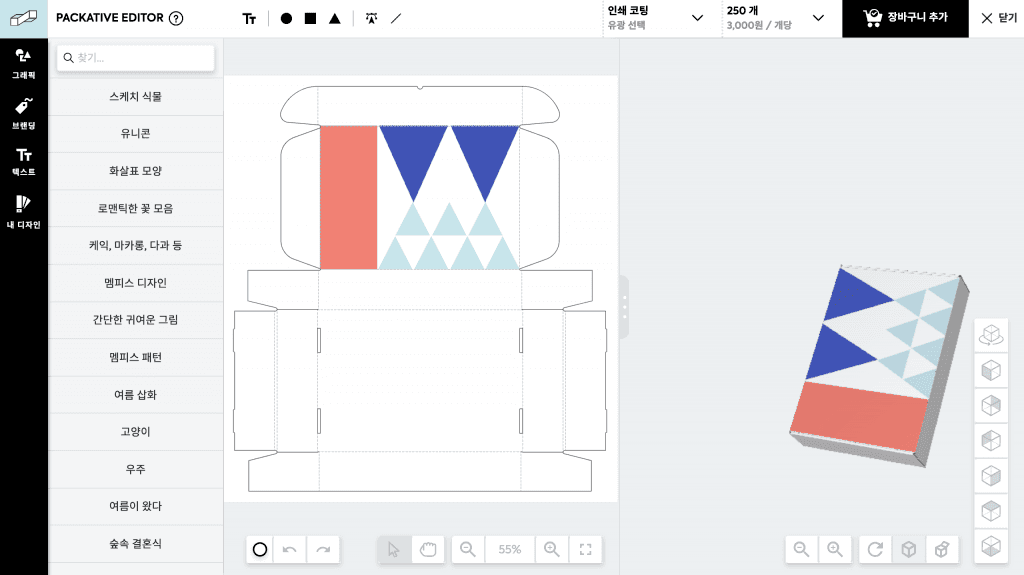
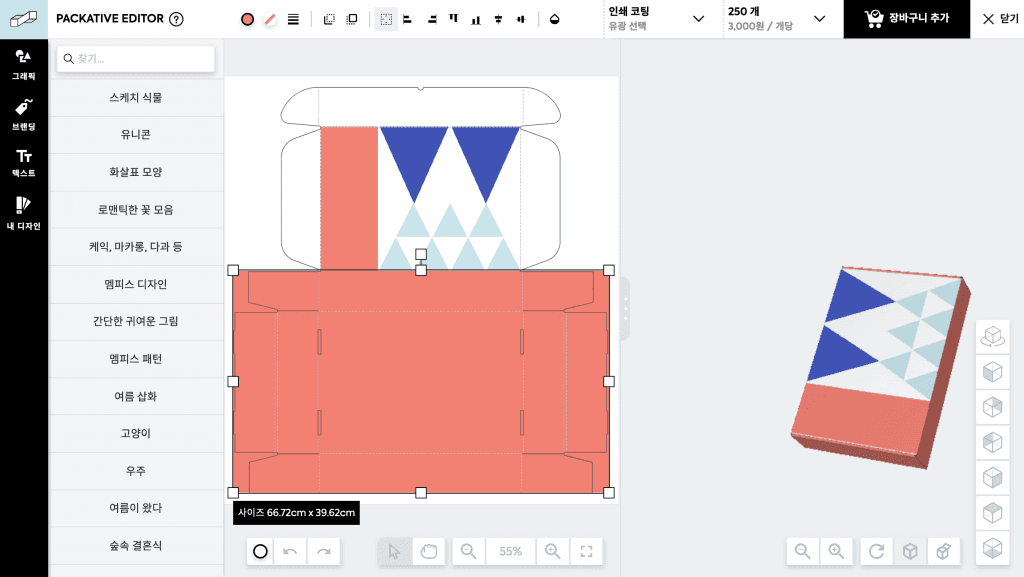
With just a few clicks, your very own box is complete! It’s really easy and simple, isn’t it?
Now, shall we go to the Packative Editor to design your own box?
When using a simple pattern like this, remember that the most important things are the placement of design elements and color matching!
If you want to learn more about the basics of package design:
The Basic Guide to Product Box Design – Even Design Beginners Can Do It