Top 10 Logo Maker Tools of 2021
What is a logo maker tool? A logo maker tool is a web-based application that makes it easy to create a brand-customized logo. Today, most logo maker tools are free to use, except for a certain fee required to download the files. Another major advantage is that they can be used anytime, anywhere, at the user’s convenience....
What Is a Logo Maker Tool?
A logo maker tool is a web-based application that makes it easy to create a brand-customized logo. Today, most logo maker tools are free to use, except for a certain fee required to download the files. Another major advantage is that they can be used anytime, anywhere, at the user’s convenience. However, a drawback is that only users with a certain level of design sense can use them well, and there is a high chance of duplicate or similar designs. Even so, thanks to the high accessibility and convenience of the software itself, the logo maker tool market is expected to continue growing steadily in the future.
Use Packative Editor to create your own custom box!
How to Get the Most Out of a Logo Maker Tool
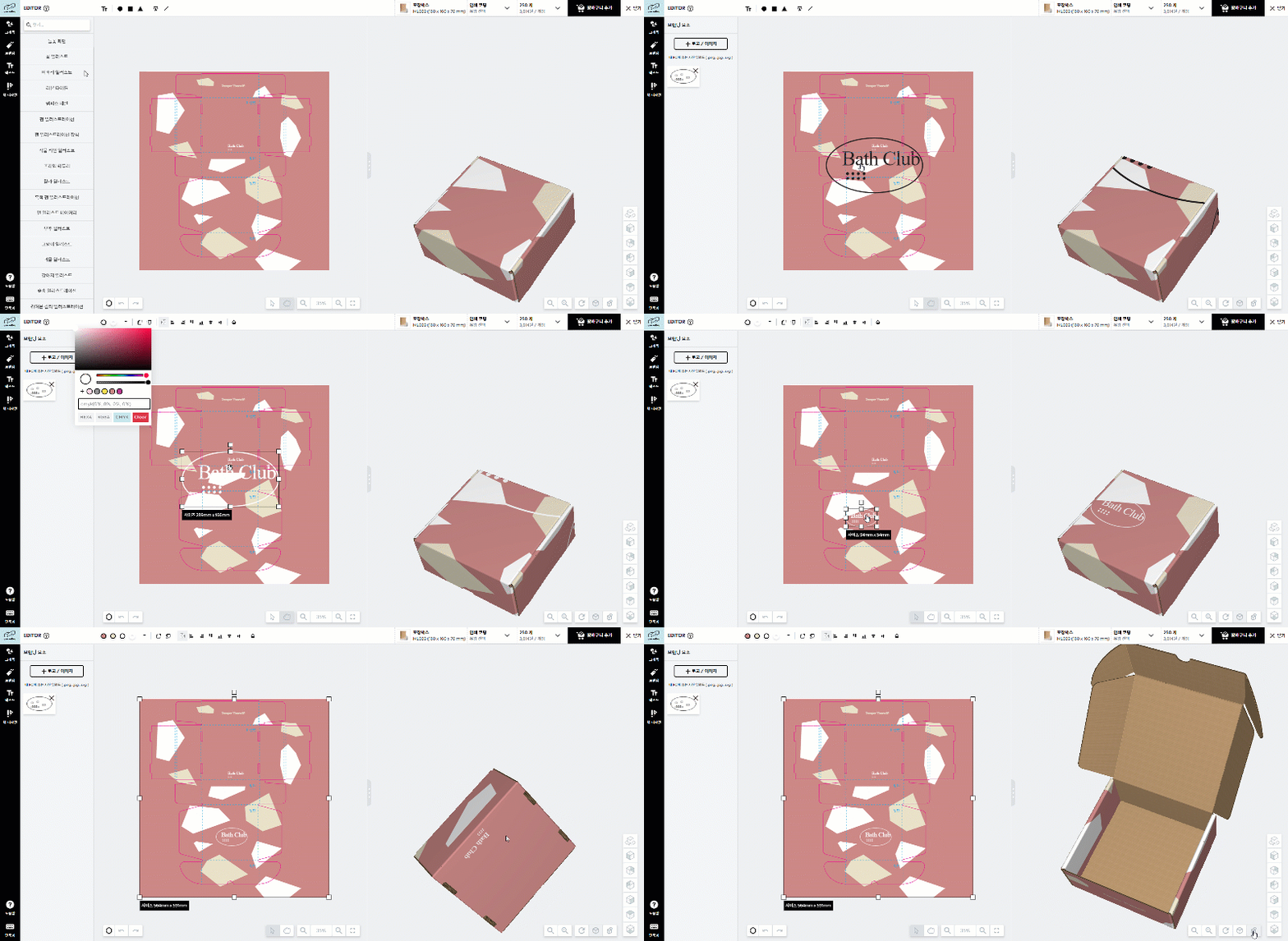
Even with just one clean logo, see how clearly a box can express a brand’s identity and personality! Do you see how much more eye-catching it is than other ordinary boxes, even though we only added 3–4 basic Memphis shapes, brand colors, and the logo? Just prepare the logo file in SVG/AI/PNG format and drag and drop it onto the dieline, and you can create the perfect package!
To use a logo maker tool efficiently, a few things should be prepared in advance.
First, naming. If you haven’t decided on a company name yet, why not start with that now? A name that briefly captures the company’s nature and character becomes a very important key element in determining logo design and direction. Second, you should define the company’s vision and mission in detail. After clearly establishing what makes your company different and setting your brand identity, the logo design should be developed accordingly. Third, you need to decide in advance which element will be the main visual identity of the company before moving forward with logo design. Have you finished all the preparation? Then let’s take a look at logo maker tools from various companies.
If you want to make your own logo box, feel free to request a custom box quotation!
Top 10 Best Logo Maker Tools
1. Designhill
Designhill is a top crowdsourcing platform loved by entrepreneurs and graphic designers alike. Users can get help with professional logo creation through contests along with the logo maker service, and can also access a wide range of design solutions including T-shirt designs and brochures.
 Designhill logo creation process
2. Design Iconic
Design Iconic is a premium logo maker tool made up of about 1,000 templates. It offers a wide range of logo design templates, and users can also customize fonts, colors, and more. The most appealing strengths of this tool are its user-friendly interface, vector format support, and affordable price.
3. Logojoy
Logojoy helps users achieve high-quality designs without spending a fortune. Its cutting-edge AI system actively supports customized logo creation, and users can also edit their designs in real time through the built-in tools. Best of all, all of these services needed to create the perfect logo are available free up to a $20 quote.
Logojoy completes your custom logo in five steps by choosing the industry, style, colors, slogan, and symbol through its AI system.
4. Logaster
Logaster is one of the most widely used tools for fast and efficient logo design. You can receive edited logo files as a zip file (including logos with transparent backgrounds and inverted emblems), and it also offers a paid service for downloading low-resolution design images in high resolution. Try creating a logotype or symbol logo with Logaster!
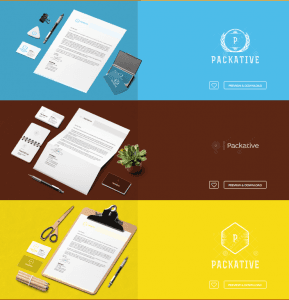 Logaster results
5. Foundry
Foundry is a stylish logo maker tool that can turn ordinary logo designs into the work of a talented designer. You can edit directly on your phone or iPad, and it also offers more logo design options in JPG and PNG formats. Why not create a logo at Foundry, which comes with more than 3,000 symbols, icons, and text options, to build strong branding?
6. Free Logo Design Engine
Free Logo Design Engine can create professional logo designs in seconds by applying eye-catching colors, logo templates, and fonts. It has already earned customer satisfaction from more than 100,000 users, and its biggest advantage is the ability to produce high-quality designs using more than 1,000 graphic and logo templates. Experience the opportunity to create a custom logo for free with Free Logo Design Engine!
Complete a package design that matches the logo you created with the logo maker tool at Packative!
7. Canva
Canva supports logo design with more than 100 free stock templates, including social platform assets, layouts, and free images. Thanks to its drag-and-drop interface, even people with no design experience can use it easily, and they can download high-resolution logos in JPG, PNG, and PDF formats at no extra cost.
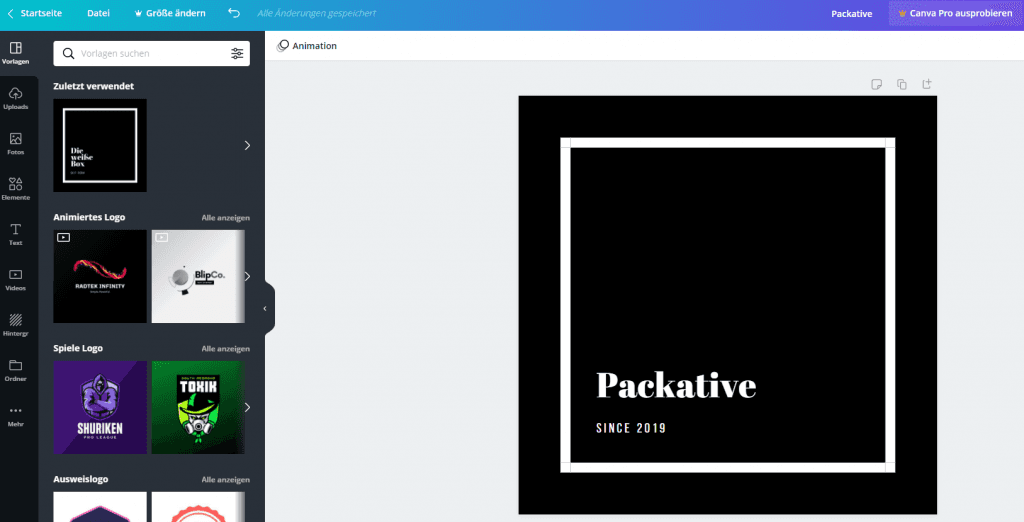 Results of a logo template edited on Canva.com
8. Logo Garden
LogoGarden is a free logo maker tool that helps create original logo designs. With thousands of brand symbols and layout options, it supports customized logo creation that captures a brand’s identity, and it also supports creating logos for business cards, websites, T-shirts, smartphones, and more. However, keep in mind that basic knowledge of logo design is essential when using a logo maker tool.
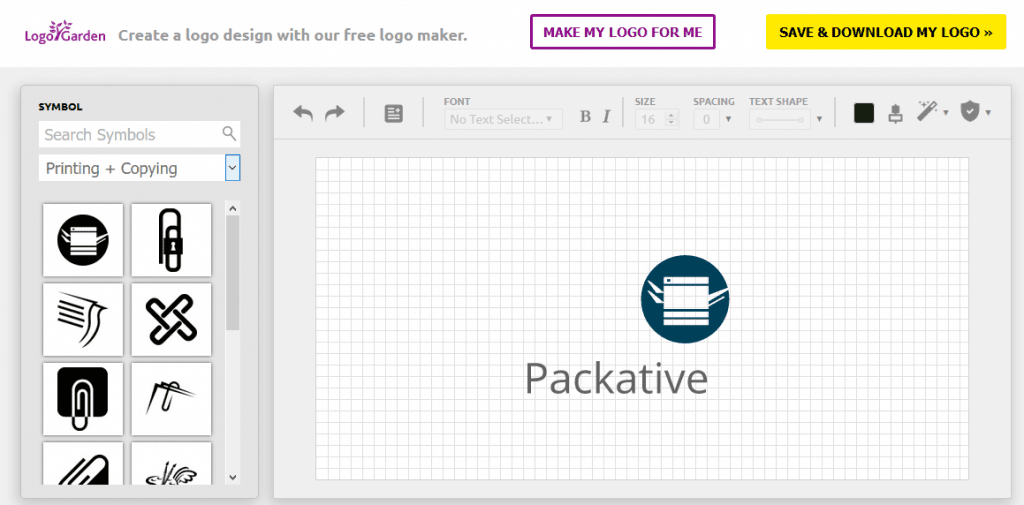 Results that are a little more limited than other logo maker tools
9. Logo Genie
Logo Genie is an online logo maker tool known for its creative, high-quality designs. It offers a user-friendly interface that makes it easier to bring design ideas to life and supports customized logo creation. Users can also purchase logos in multiple file formats such as JPG, PNG, PDF, and EPS.
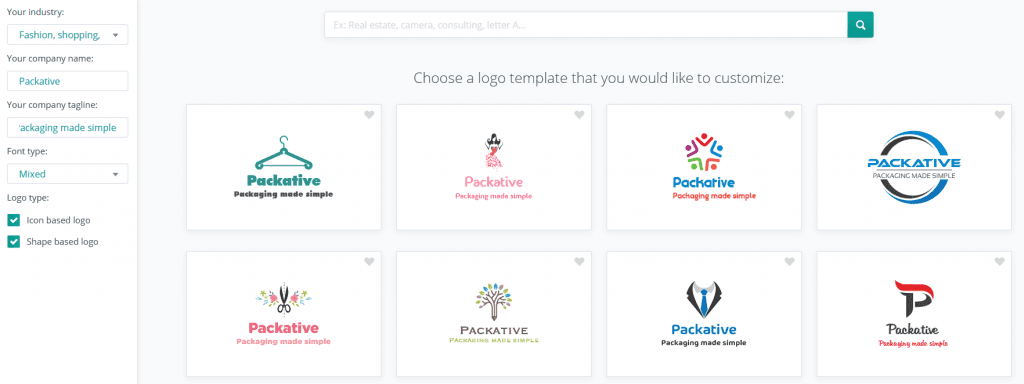 Results after setting the business area, company name, slogan, and font
10. GraphicSpring
GraphicSprings is an online logo maker tool that can complete a design in under a minute and supports JPG, PNG, PdF, and SVG formats. A standard logo costs $20, while a professionally designed logo costs $150. Why not take on the challenge of faster logo design than anyone else with GraphicSprings?
We’ve taken time to try out and introduce a variety of logo maker tools like these. While it was easy to create logos in many different styles, Packative’s in-house custom-made logos still seem to suit brands best! :) We’ll continue sharing posts about package design that brings out a brand’s unique character, so please stay tuned. Thank you!