Basic Rules of Package Design to Catch the Eye
A package with a stylish, practical design is always as important as the product itself. And that means there are many things to think through and organize before you begin producing the packaging in earnest. Without first defining the specific use, purpose, type, and image, it is difficult to create an effective package by simply jumping into package design...
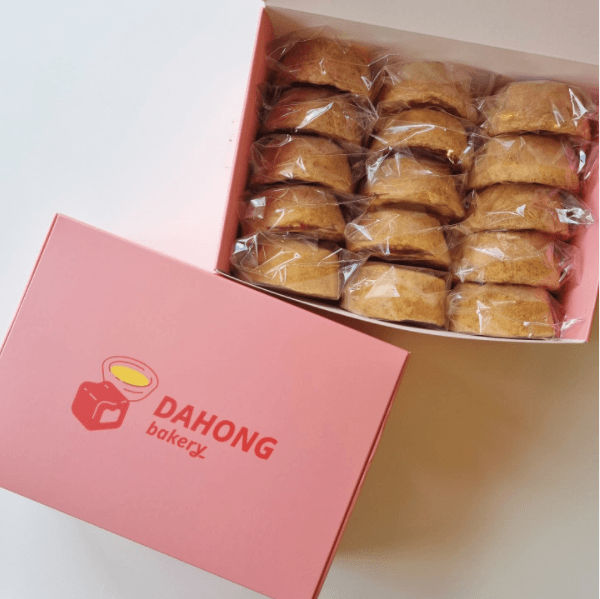
A package with a stylish, practical design is always as important as the product itself. And that means there are many things to think through and organize before you begin producing the packaging in earnest. Without first defining the specific use, purpose, type, and image, it is difficult to create an effective package by simply jumping into package design. So, what steps should you go through to create packaging that catches consumers’ attention? Let’s take a look at the basic principles you must follow in package design.
How the brand story in packaging design influences purchase decisions
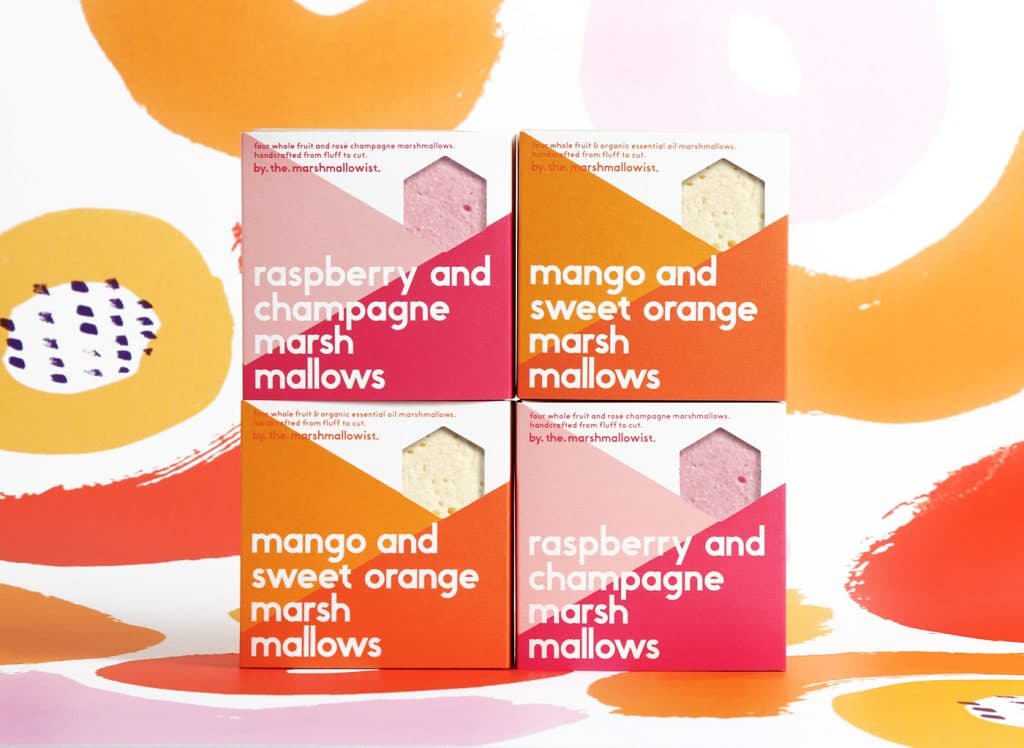
Ask the 3 Most Important Questions for Package Design
That’s always how business works. If you want a result, you need to ask yourself as many questions as possible about what it will take to get there. The more specific the plan, the better. Below are the three basic questions Packative asks most often when people request packaging production consultations.
1. What product will it contain?
This is the very first and most basic question. What product will go inside the package? Is it small or large? Light or heavy? Fragile or not? By answering these questions, the seller can determine the most important factors, such as the package size, type, material, and whether additional packaging materials are needed.
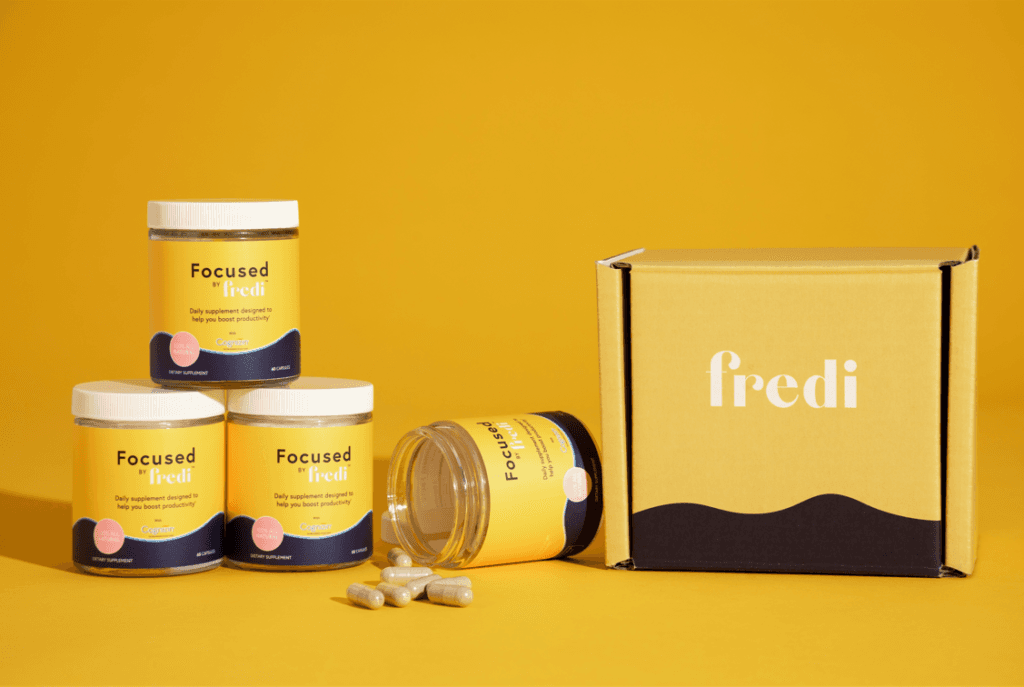
2. Who is the target customer?
Who is the product aimed at? Whether the expected customer is female or male, a child or an adult, a local consumer or a foreign buyer, a student or an office worker, the product features that will appeal to them can change. Package design is basically determined by the product it contains, but because its ultimate purpose is to satisfy the consumer who receives and opens it, the identity of that consumer is also a key factor in deciding the design.
2021 HR trends: welcome kits to strengthen employees’ sense of belonging

3. Through which channel will it be sold?
What route will the product be sold through? A large supermarket? A small shop? Online? If it’s an online product, you need to pay even more attention to the problems that can occur during shipping. The product should not shake around or get damaged while in transit because of the empty space left after packaging. In small stores, where consumers look at the product in person before making a purchase decision, packaging can also serve as a decorative element that enhances the appeal of items on the shelf. In recent years, the success of cosmetic products through collaborations with cute character brands has all been thanks to packaging.
Why brand identity packaging is important for online shopping malls

Follow These 5 Basic Package Design Steps
Once you’ve completed the basics of package design by answering the three questions above, it’s time to start designing in earnest. We’ve organized the process from the very beginning of actual package design all the way through to completion, in the proper order, so just follow along exactly as written. Note, however, that the following five steps are the basic framework of the process, so additional steps may be added along the way as needed. What matters is that the decisions you make at each stage create the finished package.
1. Understand design according to the packaging layers
Packaging generally has three layers: outer packaging, inner packaging, and product packaging. Depending on the type of product and the intent of the package, you may need all three or only one of them.
- Outer packaging is what protects the product from the outside and includes delivery boxes and shopping bags. From the consumer’s perspective, this is the first thing they encounter before opening the product. Try making a packaging box!

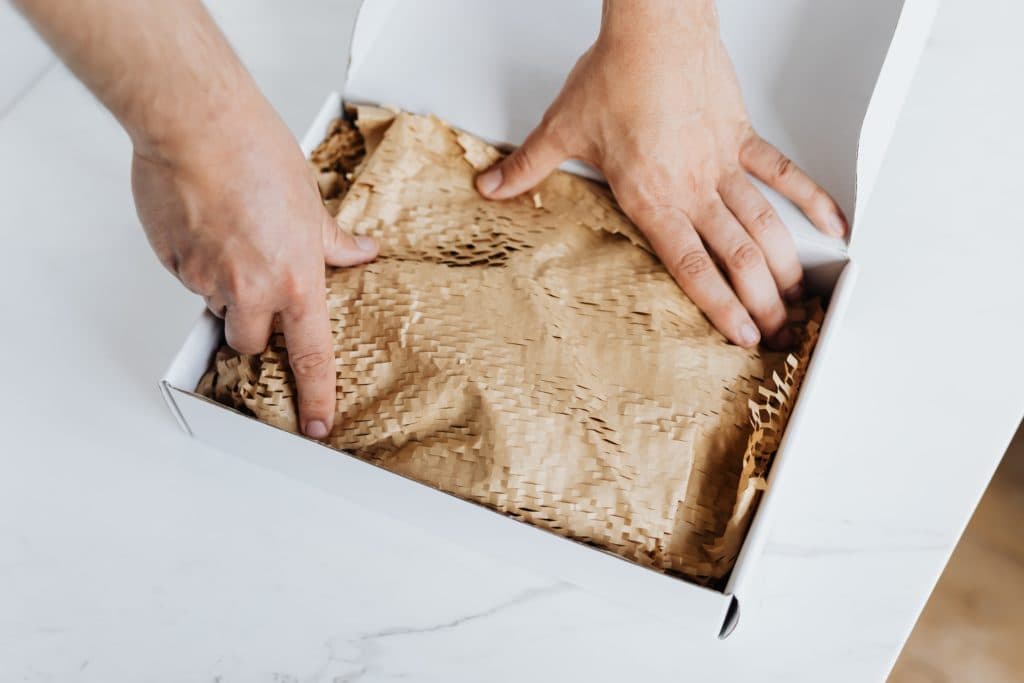
- Inner packaging is additional packaging material used to protect the product inside the box more safely. Examples include bubble wrap, air caps, fruit nets, and Styrofoam, often called “bbok-bbok-i” in Korean; more recently, eco-friendly paper cushioning, cornstarch natural foam, and biodegradable honeycomb packaging have been widely used. Zip bags used to prevent fresh products from spoiling also count as inner packaging. Try making a product box!
- Product packaging is what people usually think of when they hear the word “package.” This includes bottles or containers holding liquid or powdered products, bands or tags wrapped around products in a simpler form, plastic wrappers around food items, and simple box packaging that provides an extra layer of protection for such goods.
2. Choose the packaging type that fits the product
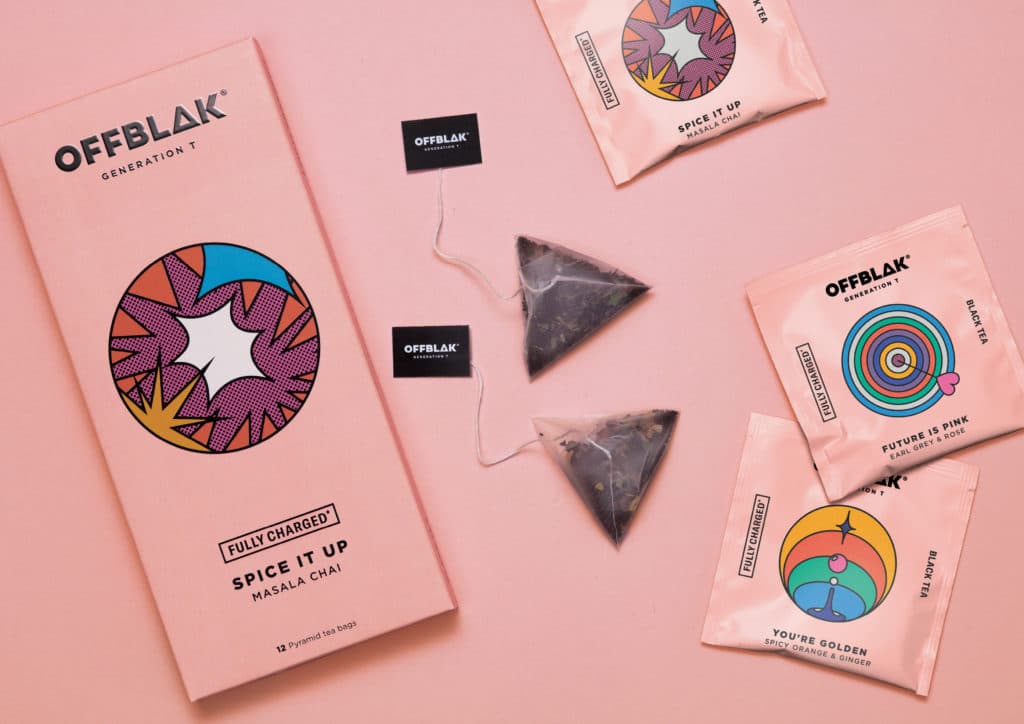
Packaging types include boxes, bags, bottles, tubes, labels, cups, and containers, among many others. Which form is best suited to the product can vary depending on the product itself, competitors, and budget.
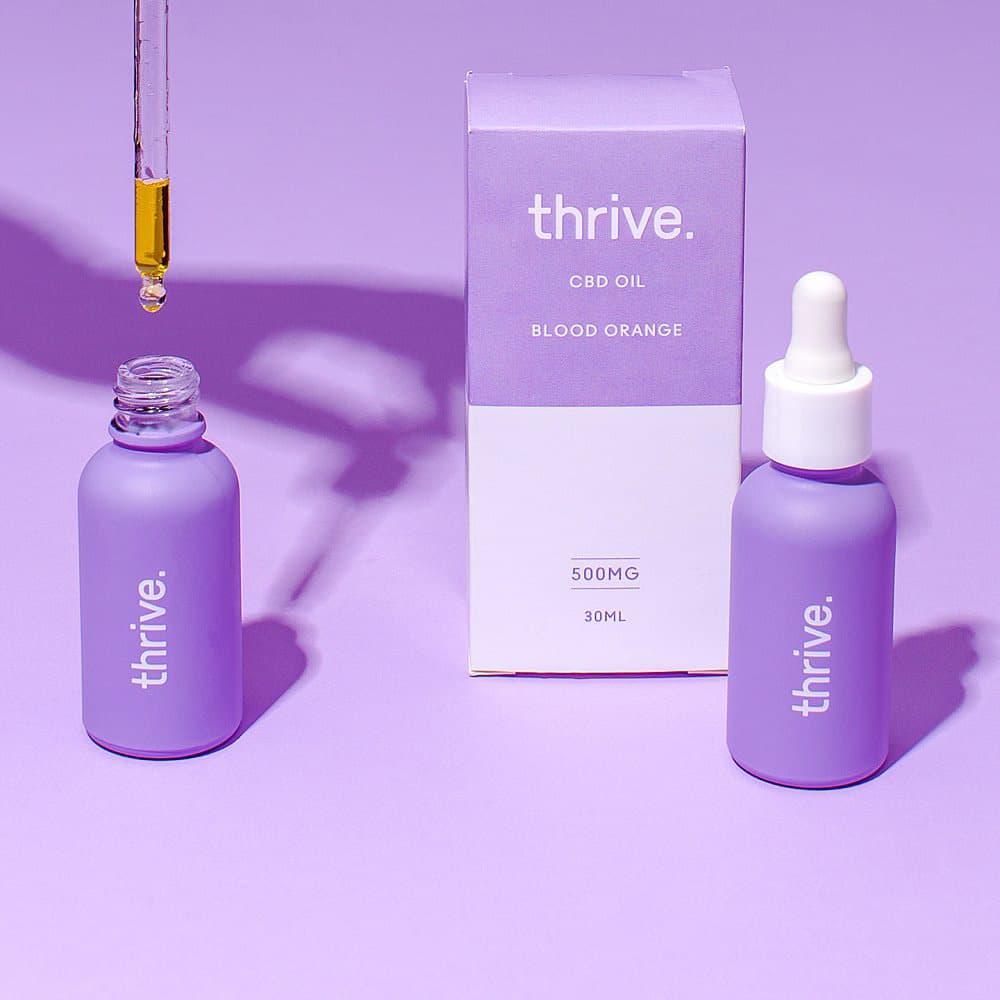
- First, there may be cases where the product inevitably determines the type of packaging. For example, if the product is liquid, the options will not be very diverse. Even in such cases, don’t forget that creativity can still be used.
- In terms of creativity, you can also achieve effective differentiation by deliberately not choosing the packaging used by competitors. For example, when everyone sells drinks in bottles or cans, Capri-Sun came up with its own distinctive method: a straw inserted directly into a uniquely shaped pouch.
- Budget is always the most important consideration. If the product itself is relatively high-priced and premium packaging is expected to positively affect its image, it may be worth investing a little more. But if your budget is limited, box packaging, which is relatively inexpensive and offers a high degree of design freedom, will be a good choice.
5 notable latest packaging trends in 2021
3. Decide on the correct dieline and color palette
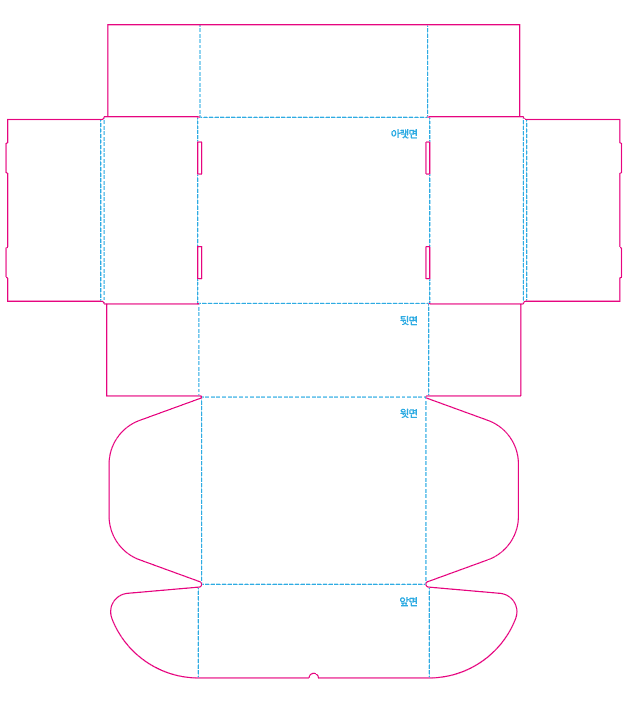
Package design is for real-world use. That means it must go through the practical stage of printing. Now it’s time to draw an accurate dieline and choose the colors. Printing generally requires vector files. The design must be completed in a file format that can actually be printed. In addition, color expression may be limited depending on the printer used. The result may also differ depending on whether the printing is digital or offset.
What is a box dieline? Why printed paper becomes a structure
What is a vector logo? Why do you need vector files?
4. Express the information and images you want consumers to remember
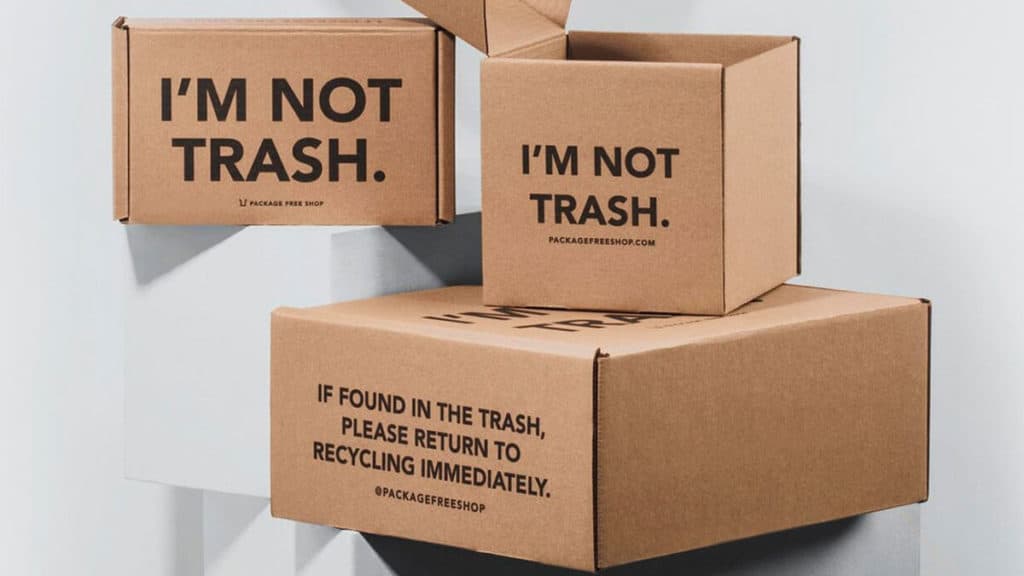
Let’s revisit the three basic questions we asked at the beginning. What product are you selling, to which consumers, and through which channel? Based on that, you need ideas for visually expressing on the package the content and images you want to appeal to consumers. Use a variety of elements such as color, texture, text, and illustration. Sensibly incorporate the essentials: the brand name, product name, product line concept, product features, and the image you want to leave in consumers’ minds.
5. Review and revise your package once more
Now the package design is complete. Of course, it’s still too early to call it finished. Evaluate the quality of the design by asking a few questions and make revisions if needed. For example, does the package clearly show the product’s function and usage? Is there anything dishonest about the product? How will the package look in 3D beyond the flat surface? How will it look when actually displayed in a store? Can the design be adapted with slight modifications for similar products in the same line? And can consumers reuse the package for another purpose instead of throwing it away as soon as they open it? It may be difficult to satisfy every possibility perfectly, but prioritizing among them and carrying out what you can is essential to completing an effective package design.
5 tips for creating package design!
How to Use Logos More Effectively in Packaging
One of the indispensable elements in package design is the logo. Effectively presenting a logo and making it memorable to consumers is very important in the long run. The reason we put so much effort into package design is not only to satisfy buyers once, but also to create ripple effects through the appeal of the product and brand image. So what kind of logo use is most effective?
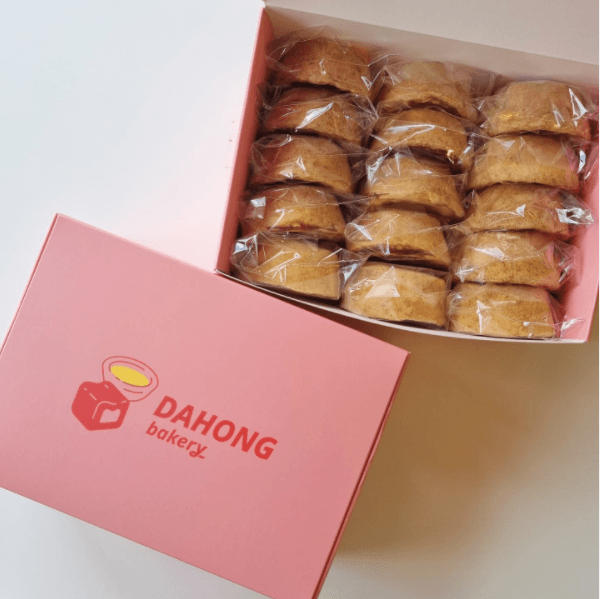
1. Logo design basics you must consider
The elements that can be used in a logo are basically text and a symbol. Text primarily represents the brand name, while also expressing the brand’s values and identity. The symbol is the image that comprehensively represents those ideas. Together, these make up the full logo, but depending on the shape and situation of the package, there may be cases where only the text or only the symbol should be used.
It is a good idea to have multiple versions of the logo with different color variations in addition to the basic version. In particular, how the logo printed on packaging such as boxes will look compared to how it appears on the web is an important factor when choosing the logo color for the package. Consider the background color and packaging material, and choose a logo color that is both highly visible and physically printable.
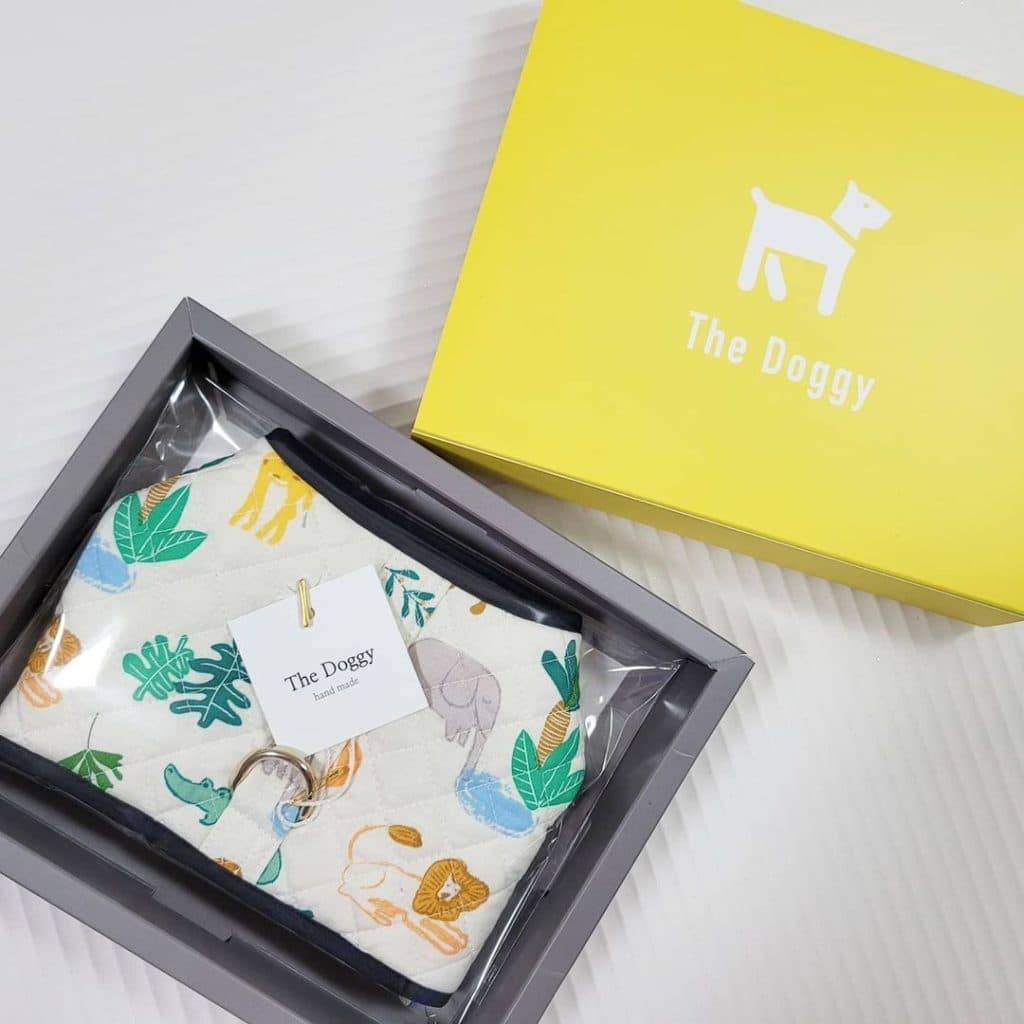
Meanwhile, whitespace is needed for the logo to stand out properly. The basic rule is to leave about 10% whitespace on all sides. In other words, you should secure a space around the logo equal to at least 10% of the logo’s total width so that the carefully designed logo can be seen effectively. So be sure to consider the package size when deciding the logo size and placement.
Let’s learn about the types of brand logos and how to use them
2. How to choose a logo position that fits the package design
The same logo can create very different effects depending on where, how large, and in what color it is placed. The most basic placement method is centered placement. Because a symmetrical composition naturally creates a sense of stability, placing the logo in the center of the package can be the simplest and most successful way to use it. If the overall design is simple, it also has the advantage of making the logo firmly stick in the viewer’s mind.
Depending on the intent, you can also place the logo higher or lower than the center. Research shows that consumers tend to perceive a logo positioned near the top of a package as belonging to a stronger brand than one placed lower. However, when a brand is already unfamiliar to consumers, a lower logo position may actually be preferred. So you can choose the placement depending on whether you want to leave a strong brand impression or whether you want to include the logo without disrupting the overall appearance of the package.
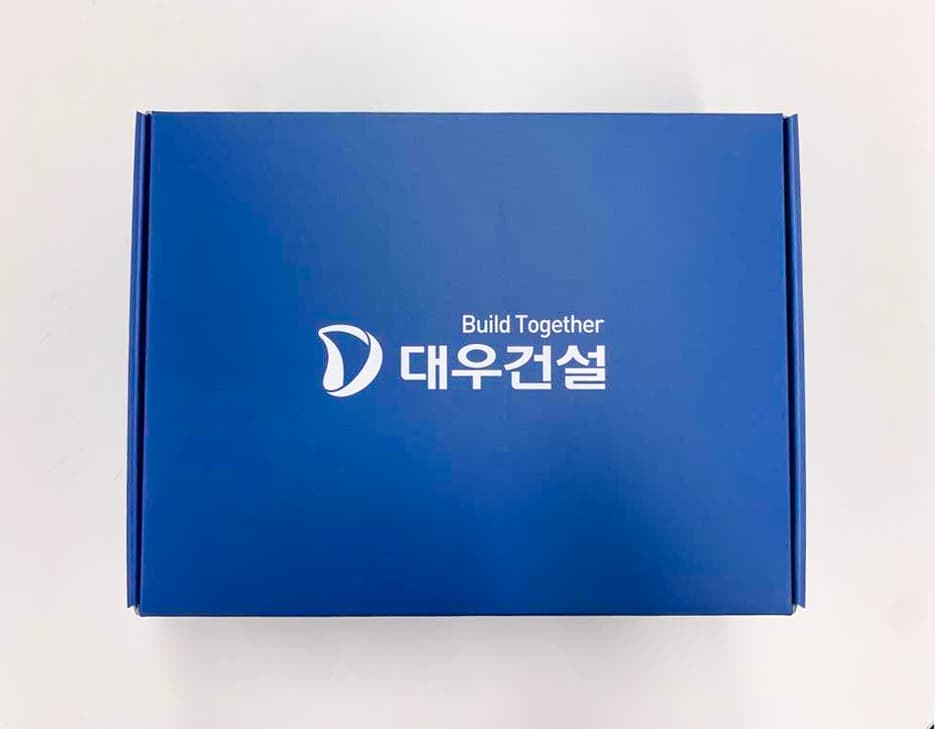
Another important consideration is left versus right. For example, web designers generally prefer to place logos on the left. That’s because users read screens from left to right. You can also freely use this in layout decisions depending on the overall color tone, imagery, and intended message of the design.
Useful typography techniques for logo design
3. The real reason logos matter
One thing is clear: using a logo in some form generally helps consumers recognize and remember the brand. If you go a step further and succeed in placing and using the logo effectively, it directly affects product promotion and repeat purchases. A logo symbolizes the brand. It also gives the product consistency. Make one product carry more than just the product itself.
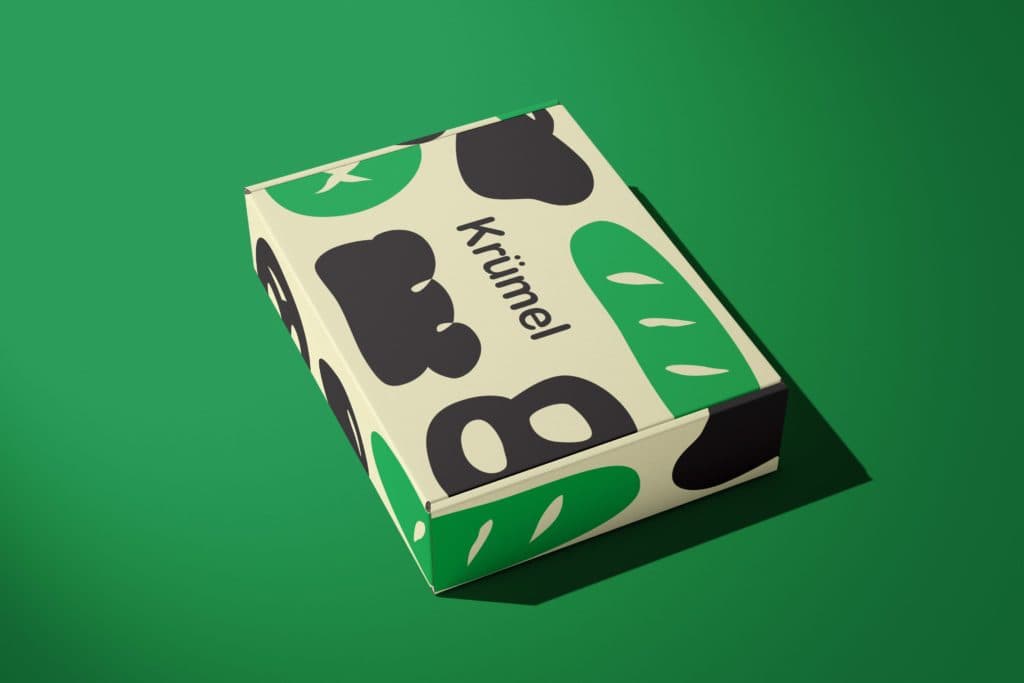
4. Logo design using Packative Editor
It would be great if you could leave such an important logo design to a professional designer with ease, but what if that’s not possible? For those with no design experience who still want to achieve a beautiful result, we recommend using Packative Editor. It is much easier to use than professional tools like Photoshop or Illustrator, and because it is optimized for package design, you can not only design the logo itself but also get an overall sense of how it will look when printed on the package. With a wide variety of design sources available, you can develop your own style through a few attempts even if you don’t have a specific design idea in mind. Packative Editor guide Pt. 1: How to design packaging using only a logo and color
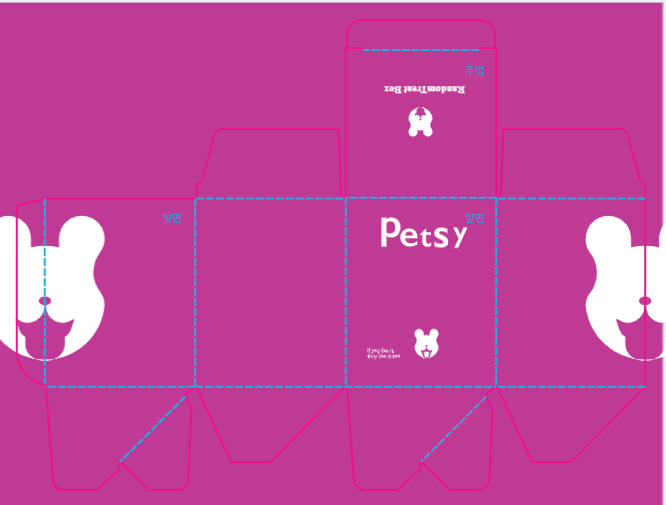
The most convenient package design method: Packative Editor
As we’ve seen so far, package design involves many factors to consider, and it can feel difficult to start designing while keeping all of them in mind, making it easy to give up early. Packative Editor has simplified the entire process for people like that. Lightly and comfortably, like posting on social media, bring the design you want to life yourself.
Watch the Packative Editor simulation video
1. Effective simulation through layer-based expression
Packative Editor supports layer-based editing just like mainstream design programs. This means you can simulate outcomes in multiple combinations using various design sources, and you can also express complex designs with ease.
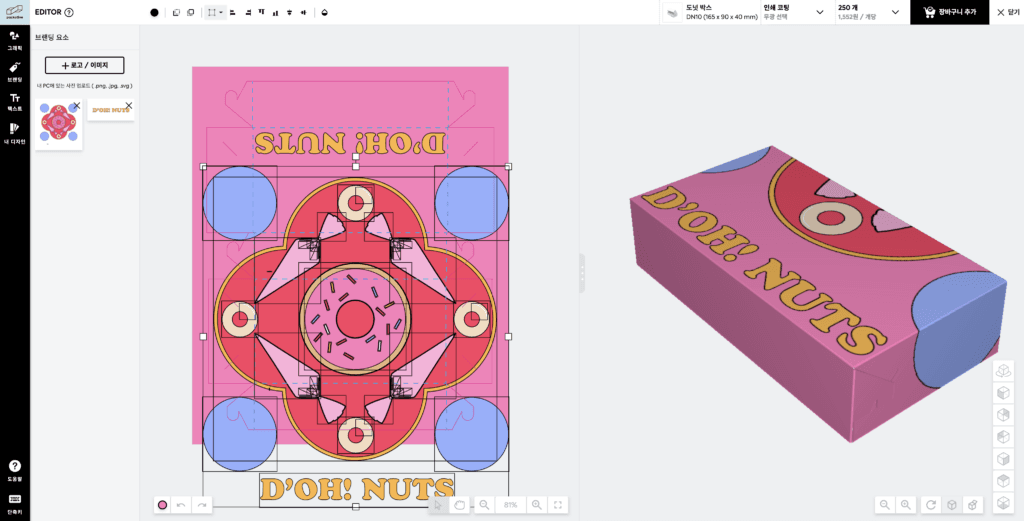
2. Highly usable 3D modeling by package type
Another feature of Packative Editor is that it supports 3D modeling by packaging type. While existing design tools are generally limited to flat image design, Packative Editor, which is optimized for package design, allows 3D modeling tailored to the finished package type you want.
3. Dieline and color selection tools provided
It also provides dieline and color selection tools, so there is no need to do additional dieline production work after designing the logo and package. You can freely change the color of design sources in the editor or of image files you upload yourself. You can also save the selected color as “My Color” and continue using the same color afterward.

4. Flexible use of images and text
Because both image and text attachments are possible, you can freely use images and text to create designs in a wide range of concepts.
5. Expert consultation and review service
It can be difficult to review and evaluate the package you designed on your own. Packative offers consultation and review services to check your package, allowing you to revise the design with an expert eye.
Experience the box production process at Packative
